


Joint Supports
The frame "Joint supports" contains a table with the list of input joint supports. Adding joint supports is performed in the "New joint supports" dialog window.
The input joint supports can also be edited on the desktop with the help of active objects.
The following types of joint supports are considered:
- free
- fixed
- linear spring
- non-linear spring (only in the z direction) - the graph of the non-linear spring is entered, where different forces Fz [kN, lbf] correspond to specific values of the settlement s [mm, in]
In case of reduction of dimensioning moments, support geometry can be entered (frame "Settings"). The support geometry can be entered as circular (radius R parameter) or rectangular (parameters dimensions dx and dy and rotation α).
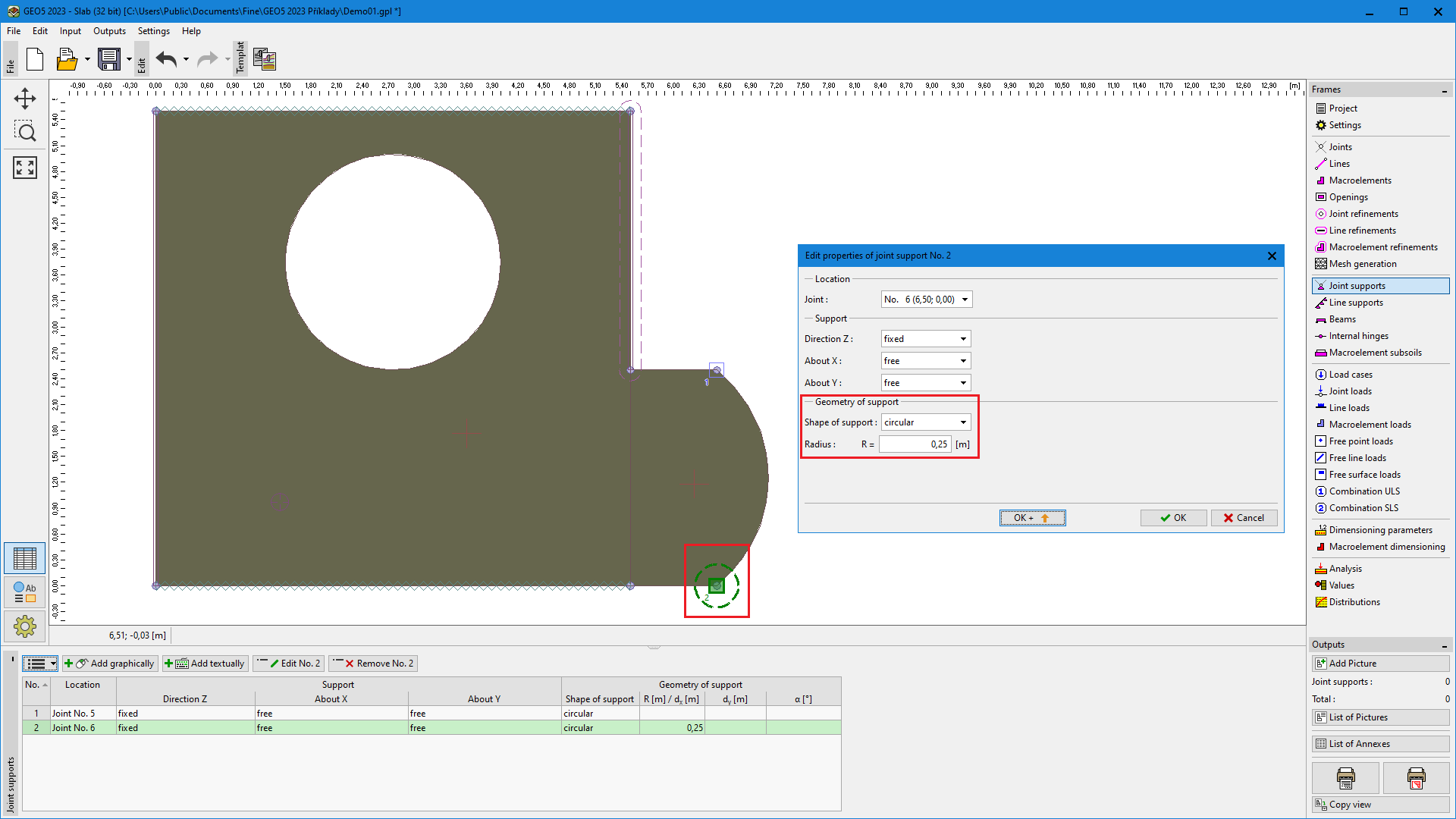 Frame "Joint supports"